Presentations with presenter view.
Dazr Slides is a presentation editor in your browser. Build your slides with charts and tables, then present with your notes and the next slide in view.
Free with your Dazr account.
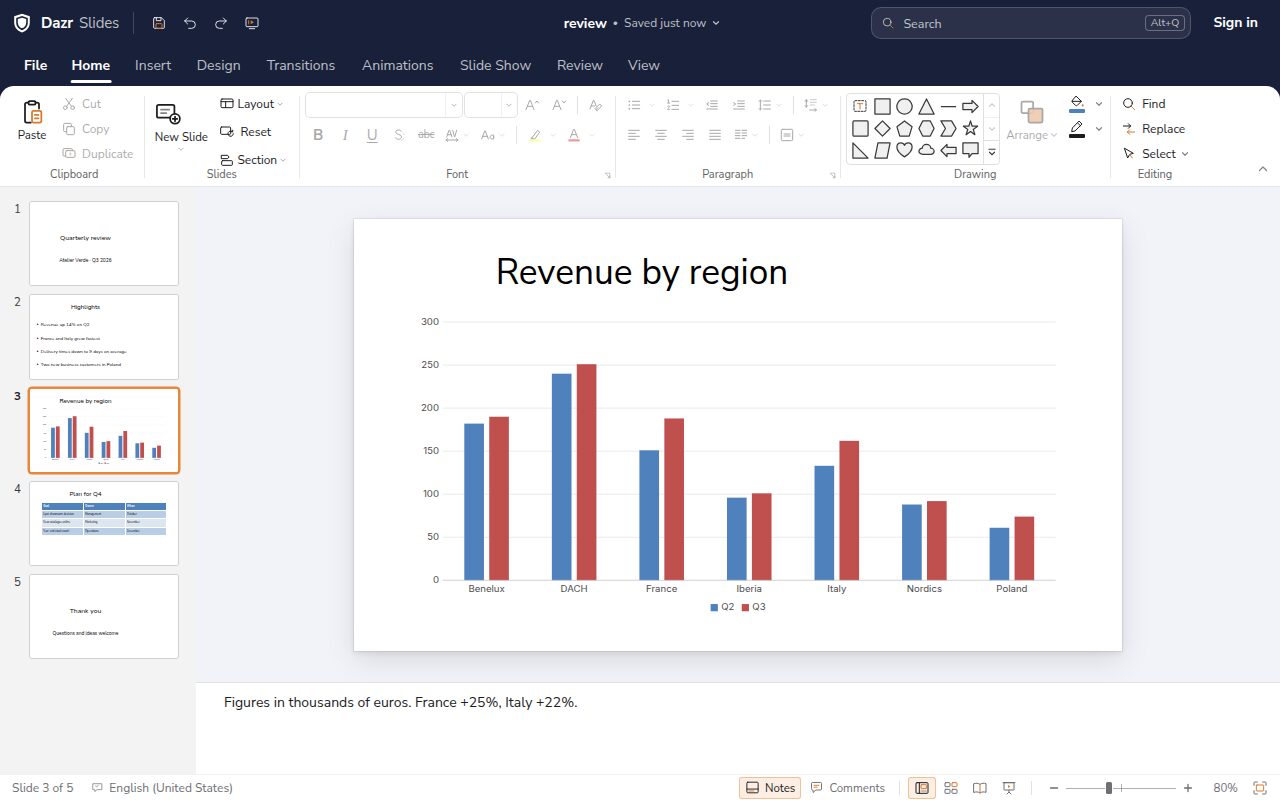
Build slides quickly.
Layouts, designs and charts that fit together.
Start from a layout, pick a design and keep every slide consistent.
Add charts, tables, shapes and pictures to any slide.
Bring in points one at a time and move between slides smoothly.
Present with confidence.
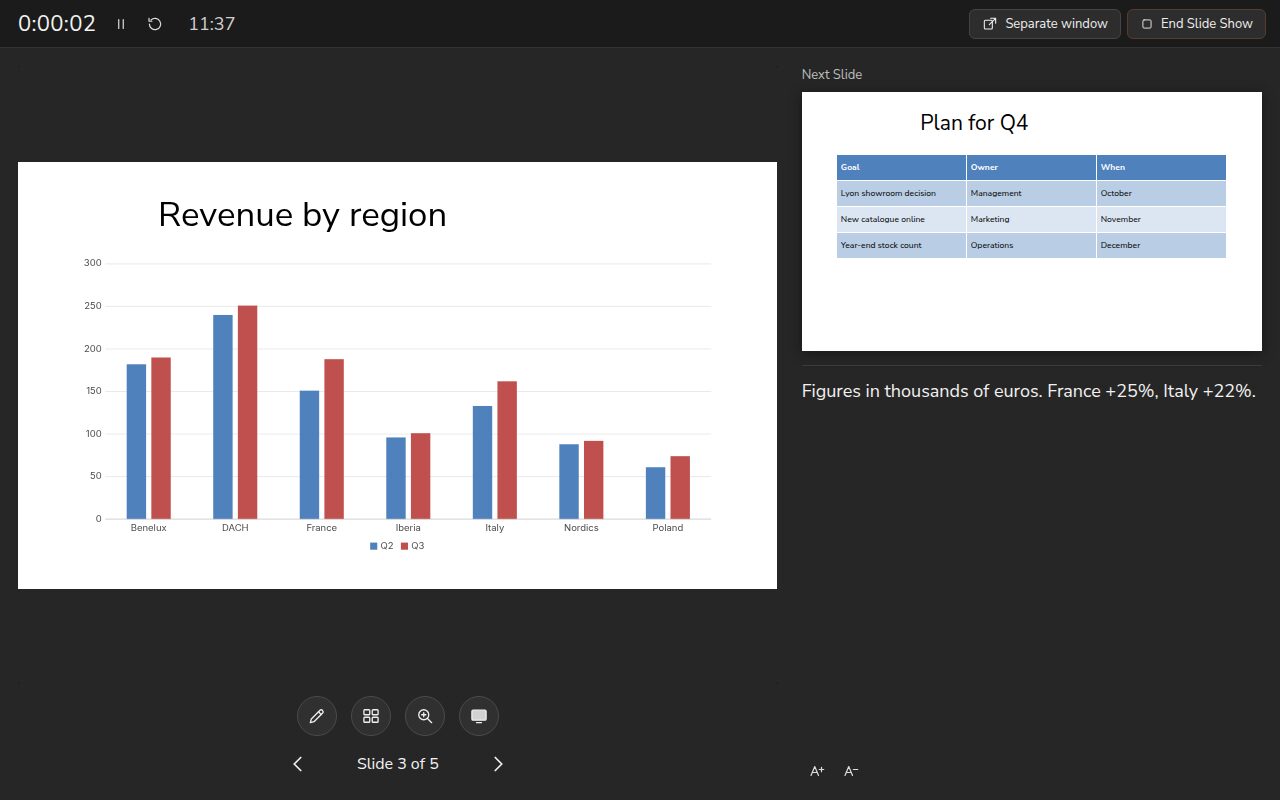
Presenter view keeps you on track.
See your notes, the next slide and a timer, while the audience sees only the current slide.
Open the audience view in its own window and move it to a projector or second screen.
Draw on a slide or zoom in on a detail during the show.
Your presentations, intact.
Open the files you already have and save them in the format you need.
Slides, layouts, charts, tables and speaker notes come through in .pptx. Save as .ppsx to open straight into the show.
In .odp, presentations keep their size, notes, tables and charts, when you open and when you save.
PowerPoint 97-2003 files open with their text, bullets, shapes, tables, pictures and speaker notes. Save them as .pptx to keep working.
Export the presentation as a PDF, or as a single web page you can open in any browser.
Runs in Chrome, Edge, Firefox and other modern browsers, with a layout made for phones.
Desktop features, in your browser.
Ready in Dazr Slides: what PowerPoint for the web doesn’t have.
Change the slide master and its layouts once, and every slide follows.
Write the whole presentation as titles and bullets, then shape the slides.
Show a different set of slides to each audience, from one file. PowerPoint for the web doesn’t support custom shows.
After your first visit, Docs, Sheets and Slides open without a connection, with your files on your device. Changes sync when you are back. Word, Excel and PowerPoint for the web need an internet connection.
Based on Microsoft’s own documentation for Word, Excel and PowerPoint for the web, checked in October 2026. Microsoft, Word, Excel and PowerPoint are trademarks of the Microsoft group of companies. Dazr is not affiliated with Microsoft.
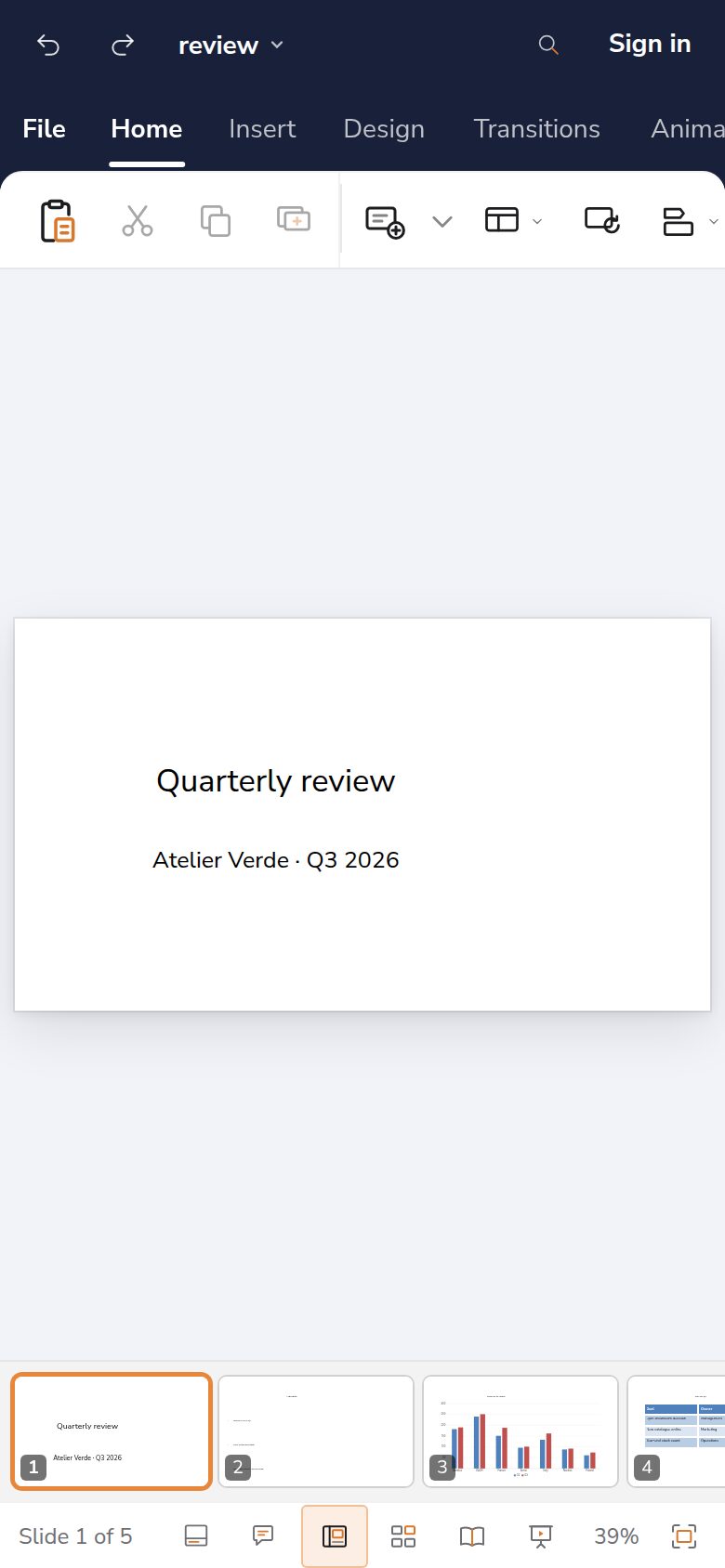
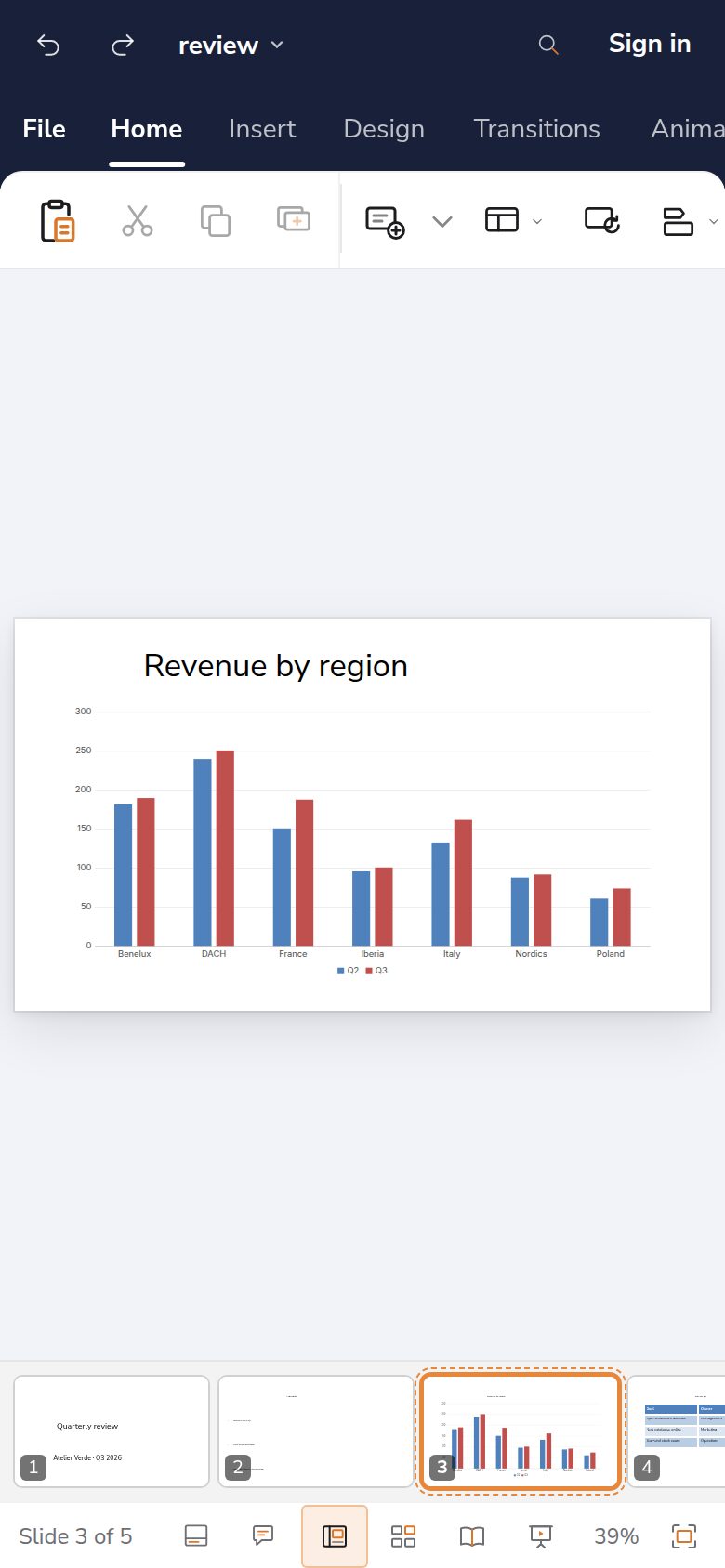
On your phone, saved as you go.
Pick up where you left off, on any device.
Signed in, every change is saved to Dazr Files, and the last 10 versions are kept.
Dazr Files keeps your presentations encrypted on servers in the European Union, run by an Italian company.
Put a file in your organisation’s shared space and everyone in it can open it.
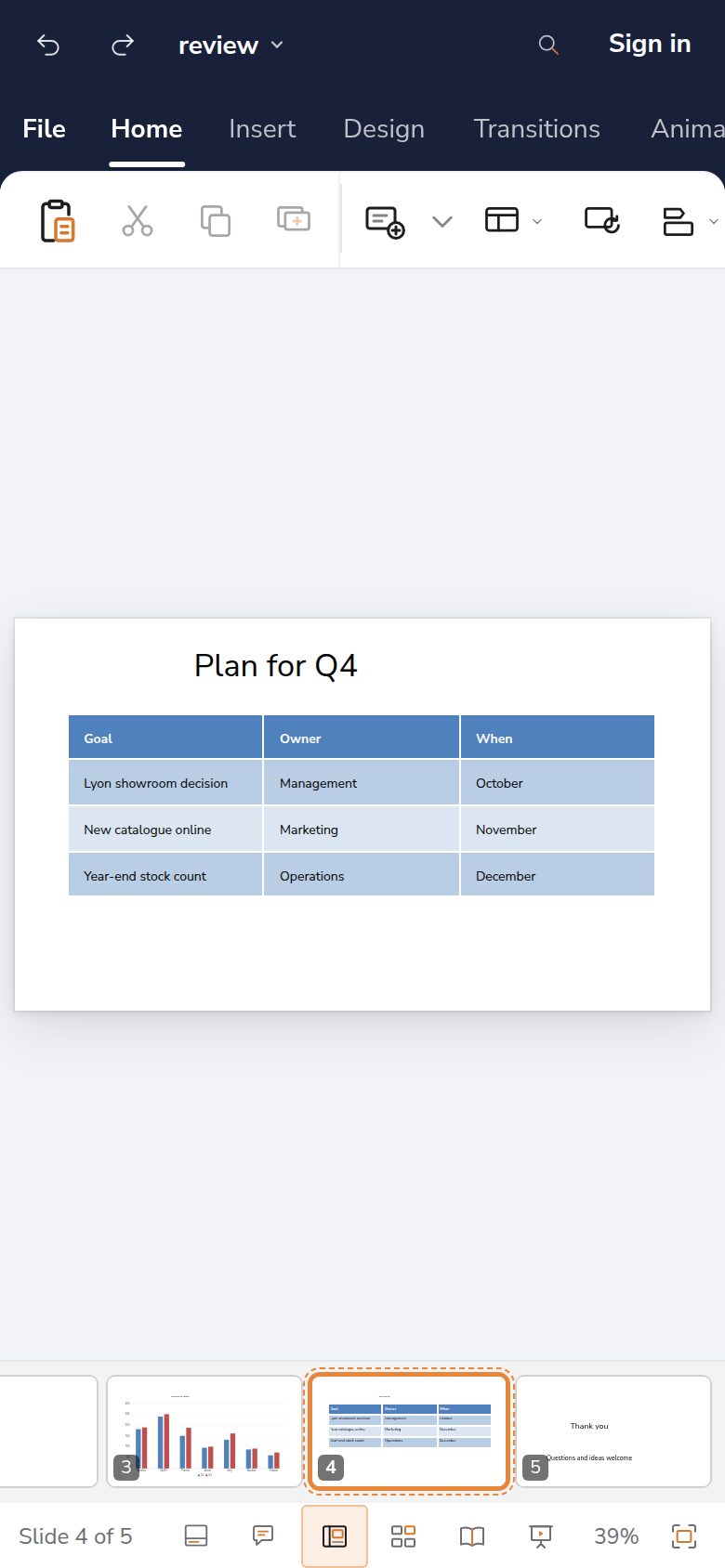
Make your next presentation.
Sign in with your Dazr account and start with a design you like.