Write, review and agree.
Dazr Docs is a document editor in your browser. Track changes, talk it over in comments and send the final version for signature, all in one place.
Free with your Dazr account.
Review together, calmly.
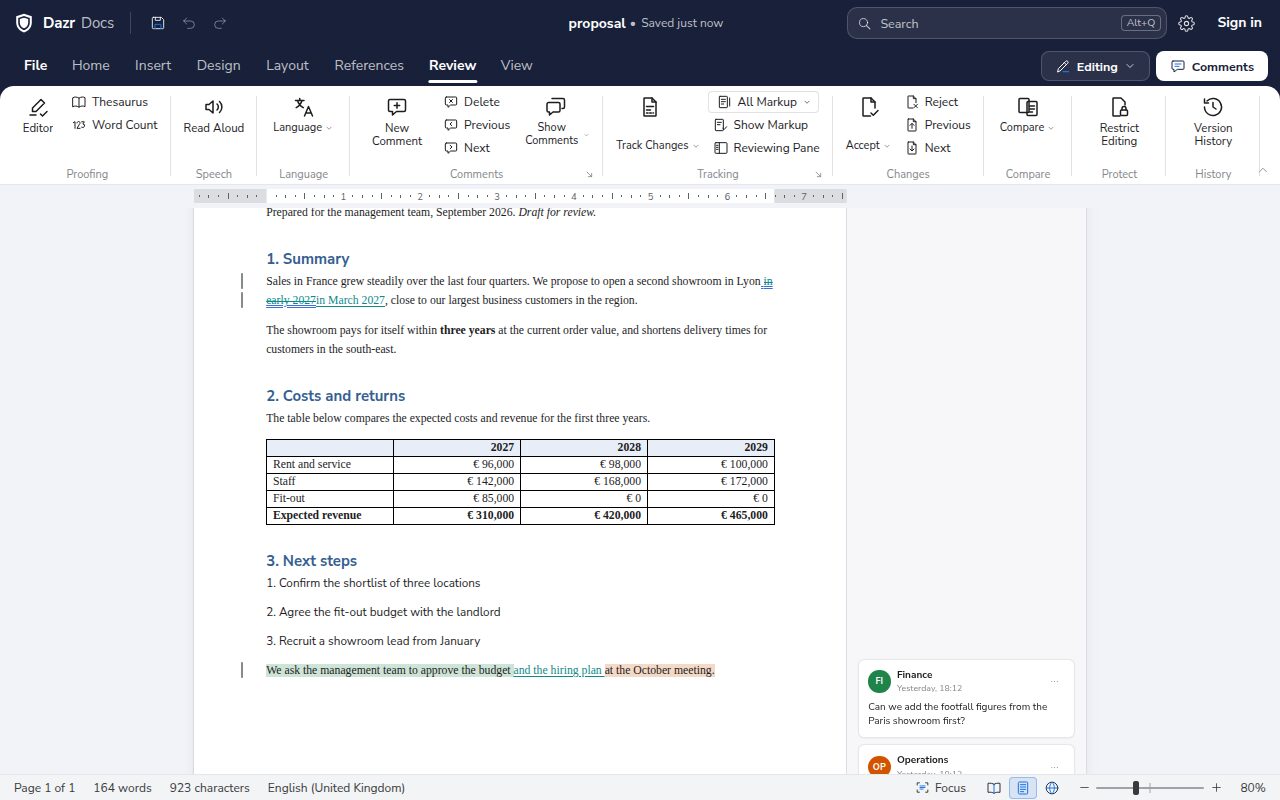
Every change stays visible until someone accepts it.
Insertions and deletions are marked with their author and time. Accept or reject them one by one or all at once.
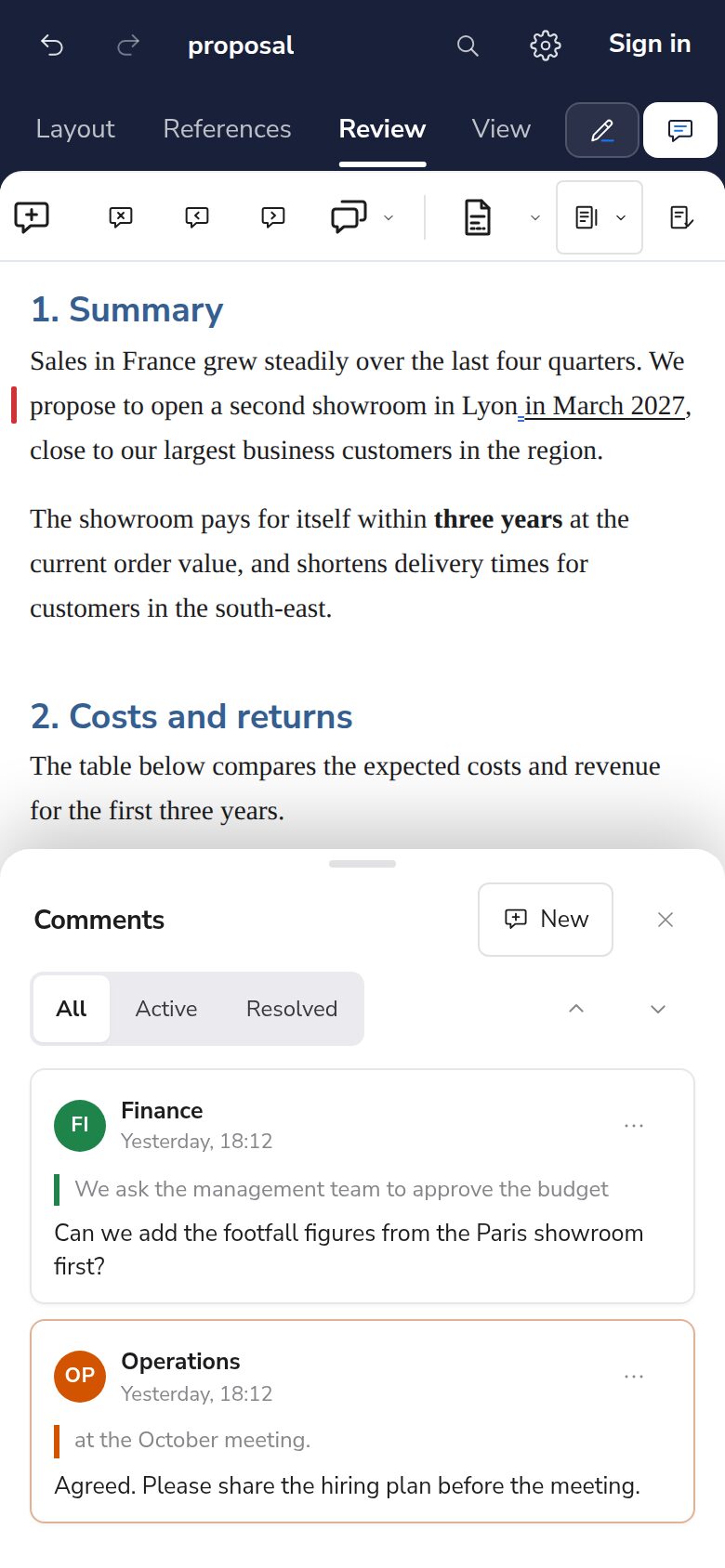
Comment on any passage, reply, and resolve the thread when it is done.
Compare two versions of a document, or go back to an earlier one.
Choose File, Send for signature, and the document opens in Dazr Sign, ready for its fields.
Documents that look finished.
The layout features you expect from a word processor.
Headings, lists and styles keep long documents consistent and easy to navigate.
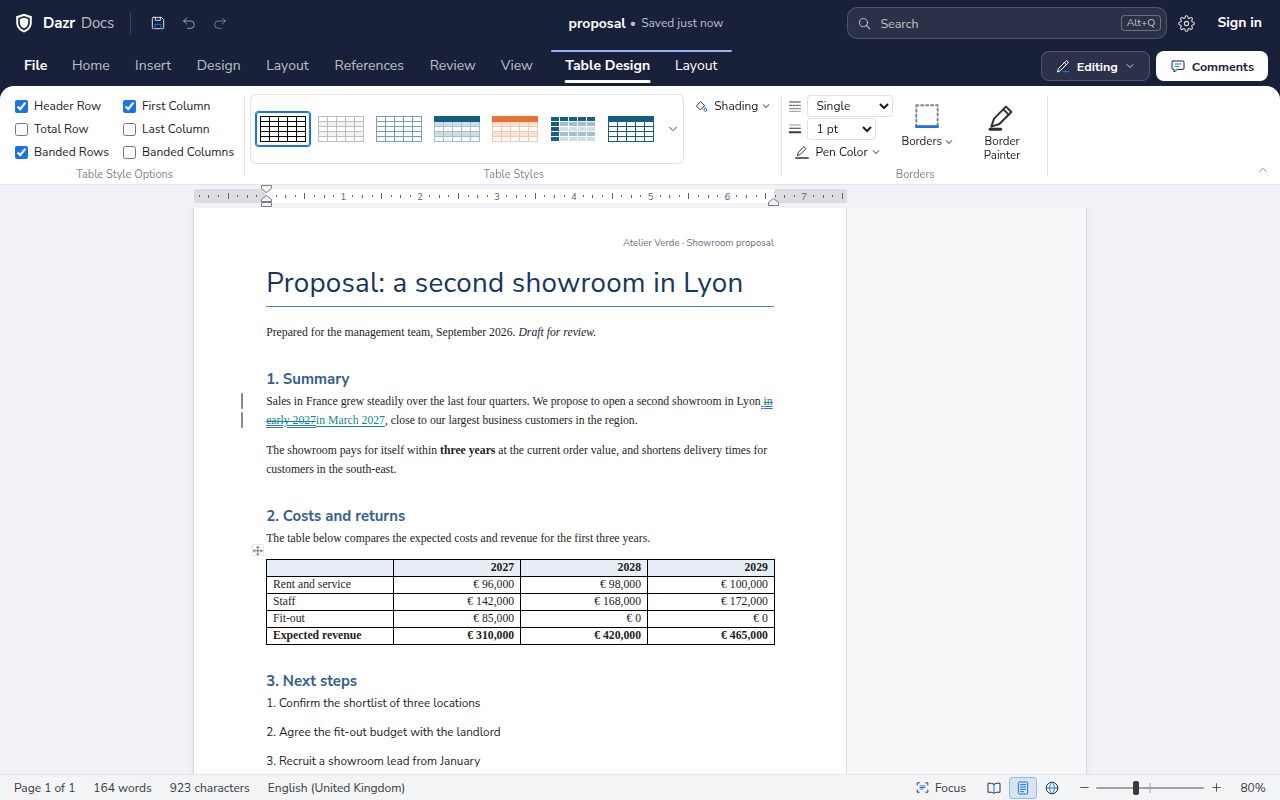
Insert a table, then style it, merge cells and adjust columns in the Table Design tab.
Add a header, a footer and page numbers, with the page size and margins you need.
Your documents, intact.
Open the files you already have and save them in the format you need.
Headings, styles, tables, lists, headers and footers with page numbers, comments and tracked changes come through in .docx.
In .odt, comments, tracked changes and lists stay in place, when you open and when you save.
RTF files open with their styles, tables, pictures, comments and tracked changes, and save back to .rtf.
Word 97-2003 documents open with their text, formatting, tables, headers, footnotes, comments and tracked changes. Save them as .docx to keep working.
Open and save .md, .html and .txt files.
Save any document as a PDF, with its header, tables and page numbers.
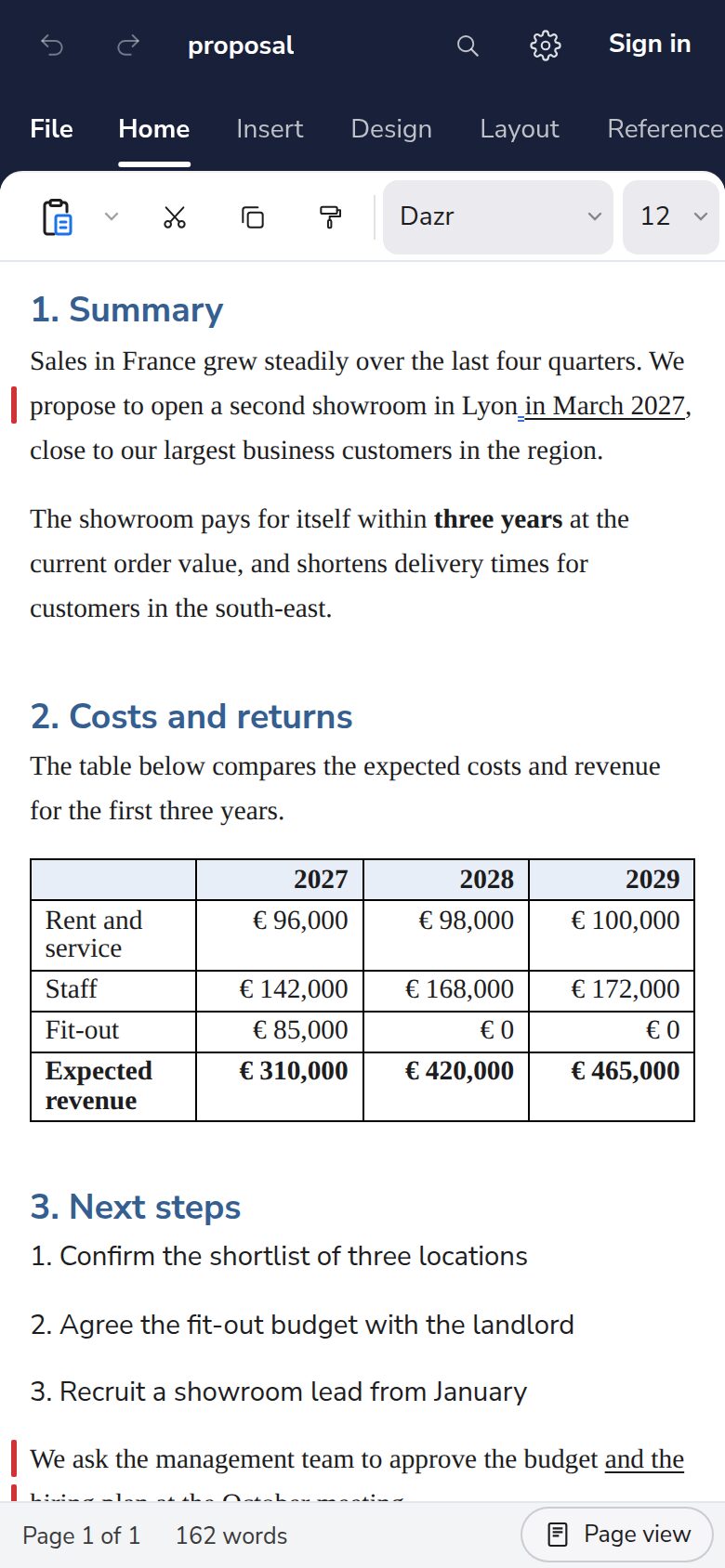
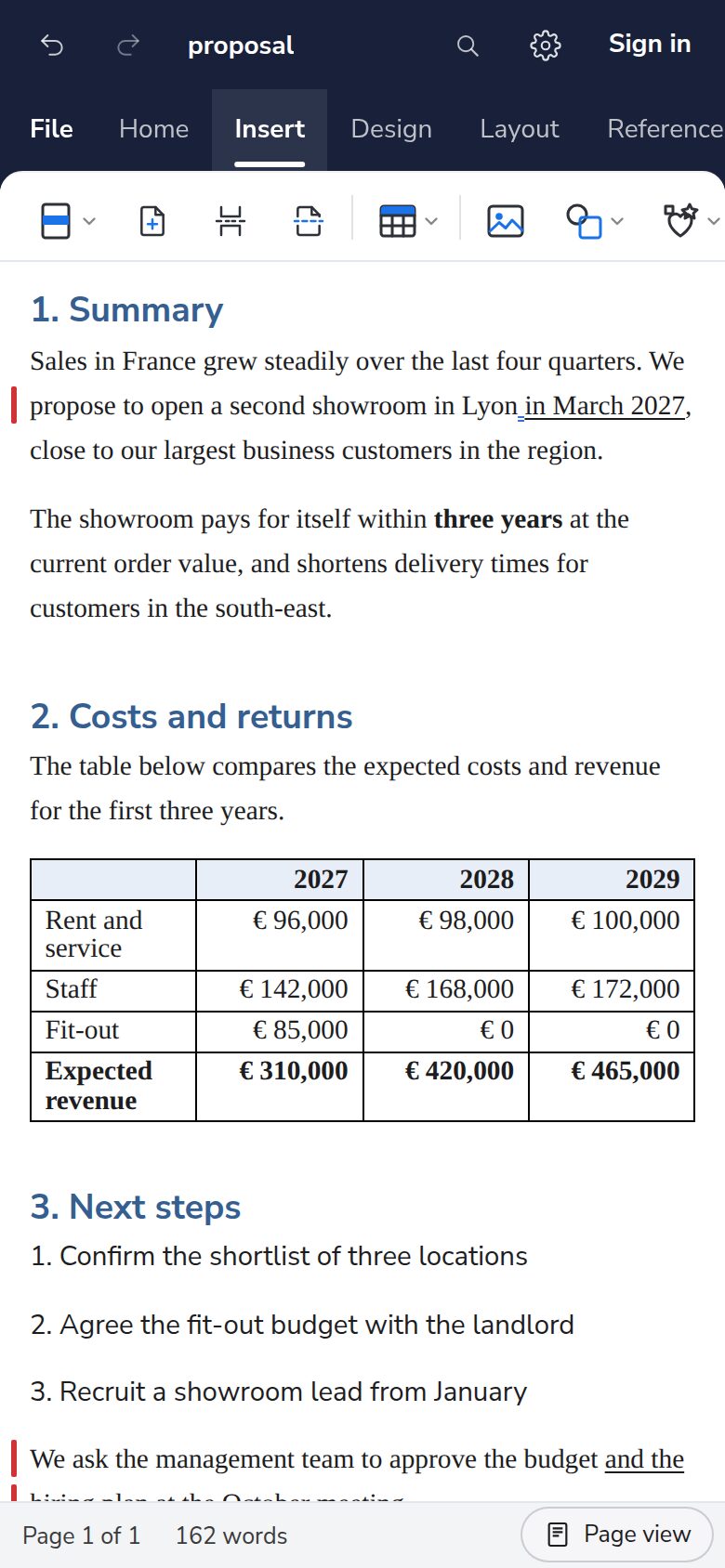
Runs in Chrome, Edge, Firefox and other modern browsers, with a layout made for phones.
On your phone, saved as you go.
Pick up where you left off, on any device.
Signed in, every change is saved to Dazr Files, and the last 10 versions are kept.
Dazr Files keeps your documents encrypted on European infrastructure, run by an Italian company.
Put a file in your organisation’s shared space and everyone in it can open it.
Start your next document.
Sign in with your Dazr account and start writing.